
Close Menu
PC DECODEPC DECODE

    Subscribe to Updates

    Get the latest creative news from FooBar about art, design and business.

    What's Hot

    Acer × Intel Core Ultra 300: Aspire 14 AI and Aspire 16 AI use cheaper Panther chips

    January 6, 2026

    Adata at CES 2026: First 128GB CUDIMM and an SSD with NFC technology

    January 3, 2026

    Windows Insider Preview: Microsoft optimizes File Explorer’s RAM usage

    December 31, 2025
    Facebook X (Twitter) Instagram
    • Home
    • About us
    • Contacts
    • Privacy Policy
    • Disclaimers
    Facebook X (Twitter) Instagram
    PC DECODEPC DECODE
    Subscribe
    • HOME
    • PC
    • TECH
    • GRAPHICS CARD
      • LINUX
      • CPU
    • TV
    PC DECODEPC DECODE
    Home - Graphics Card - Intel Arc: New driver feature reserves more system RAM than video memory
    Graphics Card

    Intel Arc: New driver feature reserves more system RAM than video memory

    blogstudyssBy blogstudyssAugust 16, 2025No Comments2 Mins Read
    Facebook Twitter Pinterest LinkedIn Tumblr Email
    Does Intel Arc graphics have VRAM?
    Intel Arc integrated graphics VRAM
    Share
    Facebook Twitter LinkedIn Pinterest Email

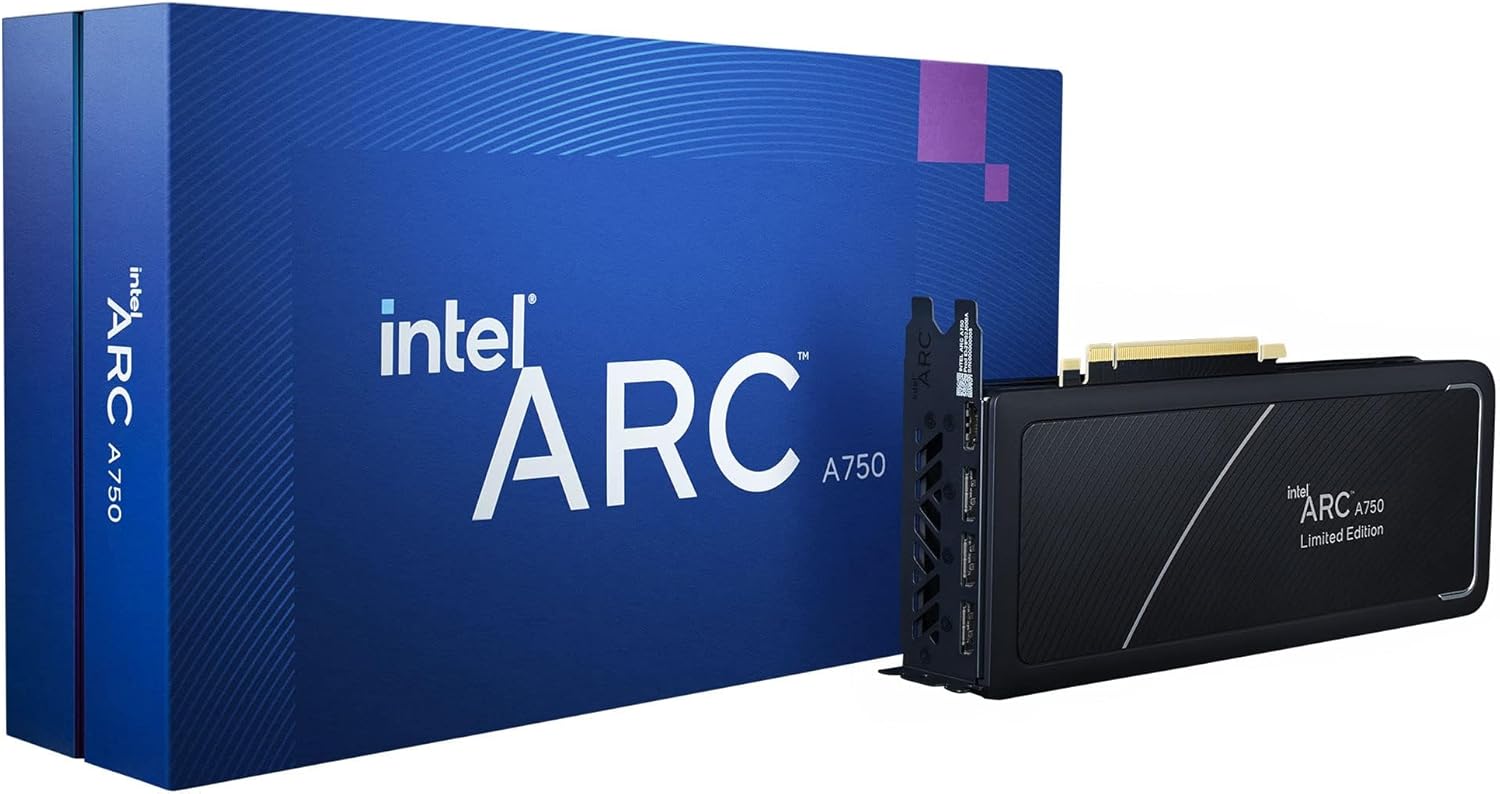
    The current Intel driver for Arc graphics cards can repurpose significantly more system memory as VRAM for the iGPU of laptops and other devices. Up to 87 percent of system RAM can be used as video memory.

    One thing in advance: of course, integrated graphics units of laptops or mini-PCs are much less suitable for gaming than a dedicated graphics card. Nevertheless, you may want to run one or the other game on a portable Windows device. The new feature “Shared GPU Memory Override” of the new Intel Arc driver promises a higher VRAM allocation of the system RAM.

    Use up to 87 percent of the system RAM as video memory

    The latest Intel Arc graphics card driver in version 32.0.101.6987 enables the manual allocation of up to 87 percent of the system RAM as VRAM. This function can be used for Intel Arc iGPUs of “selected” Core Ultra 2 processors under Windows 10 and Windows 11.

    By default, the value for the “Shared GPU Memory Override” is set to 57 percent. The maximum amount of VRAM that can be reallocated in the new Intel Arc driver by means of a slider depends accordingly on the installed system RAM. Intel requires at least 10 GB of system memory for this new feature.

    New driver also with up to 6 percent more performance in current games

    In addition, Intel promises a performance increase of up to 6 percent in Doom: The Dark Ages, the open beta of Battlefield 6 and Mafia: The Old Country with the Arc driver in version 32.0.101.6987. The benchmarks were performed by Intel in 1080p (1,920 x 1,080 pixels) with path tracing enabled on Intel Arc B graphics cards.

    Will you use Shared GPU Memory Override to repurpose more system RAM as video memory for an Intel Arc iGPU?

    Share. Facebook Twitter Pinterest LinkedIn Tumblr Email
    blogstudyss
    • Website

    Related Posts

    Adata at CES 2026: First 128GB CUDIMM and an SSD with NFC technology

    January 3, 2026

    AV Linux MXE-25: Multimedia distribution for creative minds

    November 29, 2025

    Entire row melted : Sapphire Radeon 9070 XT Nitro+ with 12V-2×6 fried

    November 4, 2025
    Add A Comment
    Leave A Reply Cancel Reply

    Editors Picks

    Adata at CES 2026: First 128GB CUDIMM and an SSD with NFC technology

    January 3, 2026

    Lossless Scaling for Linux, GuideOS and lots of X11

    December 29, 2025

    AV Linux MXE-25: Multimedia distribution for creative minds

    November 29, 2025
    Top Reviews

    Acer × Intel Core Ultra 300: Aspire 14 AI and Aspire 16 AI use cheaper Panther chips

    By blogstudyss

    Adata at CES 2026: First 128GB CUDIMM and an SSD with NFC technology

    By blogstudyss

    Windows Insider Preview: Microsoft optimizes File Explorer’s RAM usage

    By blogstudyss
    Advertisement
    PC DECODE
    Facebook X (Twitter) Instagram Pinterest Vimeo YouTube
    • Home
    • About us
    • Contacts
    • Privacy Policy
    • Disclaimers
    © 2026 PC DECODE. Powered by Shero King.

    Type above and press Enter to search. Press Esc to cancel.